



Genuine Titan OEM | Hopper Replacement Components
Shop Titan ED1075 Pro Pak Hopper Assembly Parts
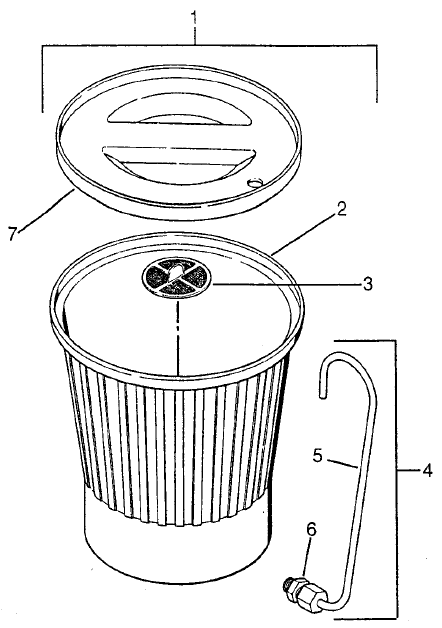
Find the component your repair requires with Titan ED1075 Pro Pak Hopper Assembly replacement parts from AllTitanParts. Compare the assembly drawing with your installed equipment, identify the affected item and review its part number and product contents before ordering.
Hopper Parts Overview
Choose the Right Replacement for Your Installed Setup
Start your repair by inspecting the affected component according to the equipment's service instructions. Physical damage, coating buildup and incorrect installation require different responses, so establish the cause before choosing replacement parts.
Compare each item's description and drawing position with your equipment. Review included components carefully when choosing an assembly instead of an individual part, and check the specified screen option before purchasing.
OEM Parts Directory
Titan ED1075 Pro Pak Hopper Assembly Parts List
Use the replacement number together with the diagram reference to identify your item.
| Diagram Ref. | Titan Part Number | Product |
|---|---|---|
| 1 | 0288144 | Hopper Assembly |
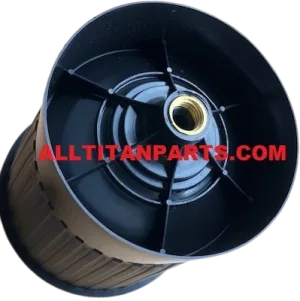
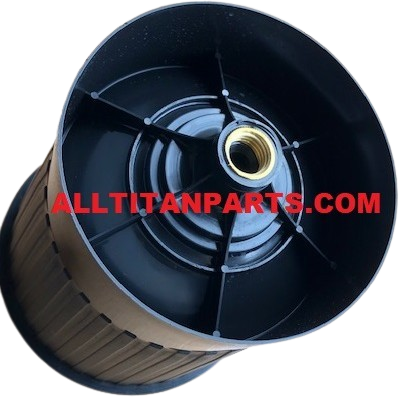
| 2 | 0090283 | Mini Hopper |
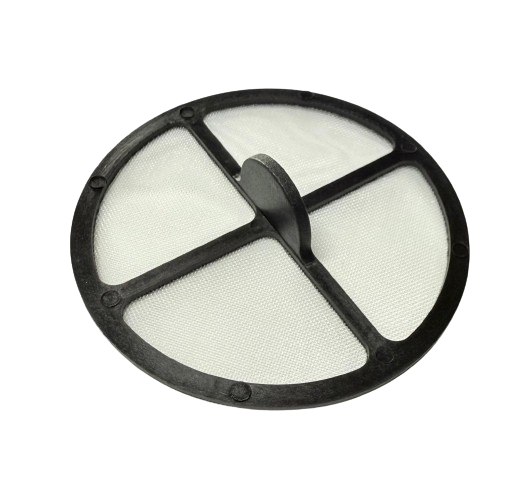
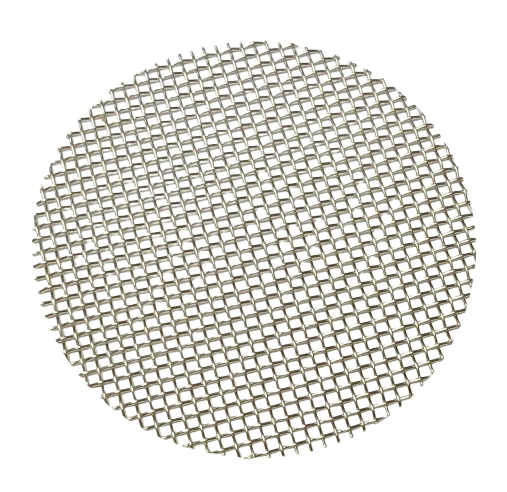
| 3 | 0088871 | Filter Screen, Coarse |
| 3 | 0089917 | Filter Screen |
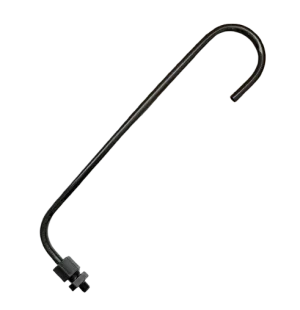
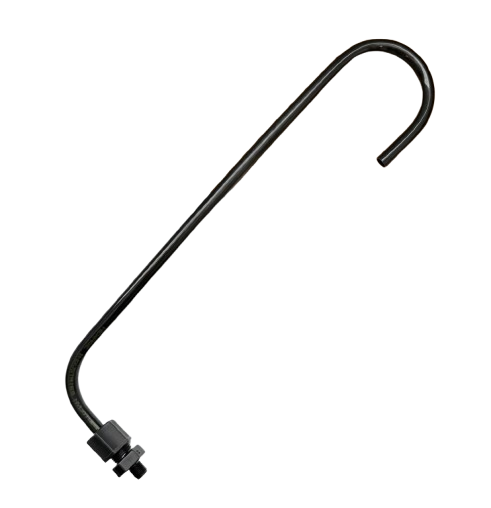
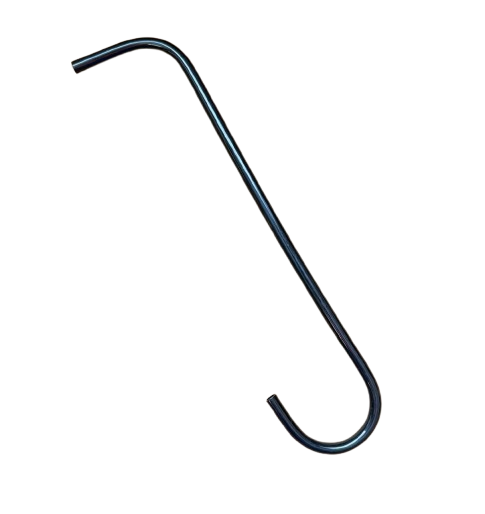
| 4 | 0090560 | Return Tube Assembly |
| 5 | 0093865 | Return Tube |
Both screen products are displayed at reference 3. Confirm the required screen specification before ordering; do not assume both are installed together.
Inspection Before Replacement
Check Container Condition, Screens and Tubing
Hopper Condition
Inspect the container and its connection areas for cracks, deformation or other damage. Follow the specified cleaning and removal procedure before assessing whether replacement is necessary.
Screen Selection
Check for buildup, tears and distortion. Select the screen specified for the application rather than treating different filtration options as identical.
Tubing and Connections
Inspect tubes and connections for damage, obstruction and incorrect routing as directed by the manufacturer. Compare product contents when deciding between an individual tube and an assembly.
Replacement Parts Buying Guide
Select Your ED1075 Pro Pak Hopper Replacement
- Confirm the equipment. Record the model, serial information and installed supply arrangement.
- Inspect the affected item. Establish whether cleaning, servicing or replacement is required.
- Match the component. Compare the drawing reference, part number and product description.
- Review included items. Check quantities and whether related components are supplied separately.
Routine Maintenance
Clean Hopper Components Between Jobs
Follow the prescribed cleaning procedure after spraying. Use materials suitable for the coating and equipment, and avoid damaging screens or tubing while removing residue.
Reinstall components in their specified positions. Investigate recurring supply problems before returning the equipment to service, and record replacement numbers to simplify future maintenance.
Related ED1075 Pro Pak Parts
Explore Other Sprayer Assembly Categories
Follow the Service Safety Procedure
Switch off the equipment, disconnect electrical power and complete the manufacturer's pressure-relief procedure before servicing fluid components. Handle coatings and cleaning materials according to their safety instructions. Follow the prescribed removal, installation and restart procedures.
Find Your Replacement Component
Order ED1075 Pro Pak Hopper Parts
Confirm the required item and review its replacement details before checkout.
Shop Hopper Assembly PartsFrequently Asked Questions
ED1075 Pro Pak Hopper Assembly FAQ
Does every item include the complete hopper assembly?
Review the individual product description. An assembly product and a separately listed component may include different items.
Can I select a screen by appearance alone?
Use the specified part number and screen type. Different filtration options should not be assumed to perform identically.
Is a return tube the same as a return tube assembly?
Compare the product descriptions and included items. Do not assume a tube and an assembly contain identical components.
Does poor material supply always require hopper replacement?
No. Restrictions, contamination and faults elsewhere in the fluid system can cause similar symptoms. Follow the diagnostic procedure before selecting parts.
What information helps with parts identification?
Provide the model, serial number, installed configuration, drawing reference and existing part number. A clear photograph may also help.
Need Help Selecting a Hopper Component?
Have your equipment information and component reference ready when contacting AllTitanParts.
713-931-0006