

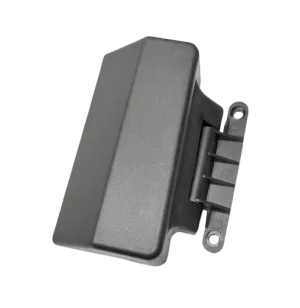
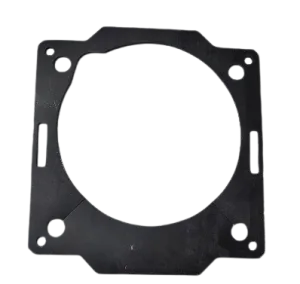
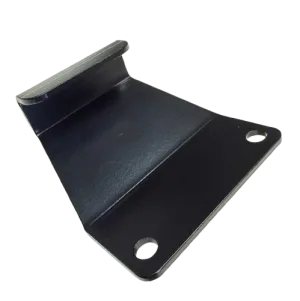
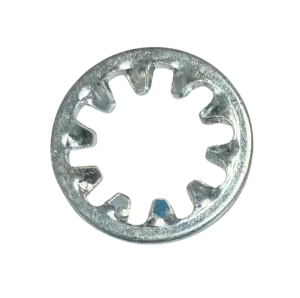


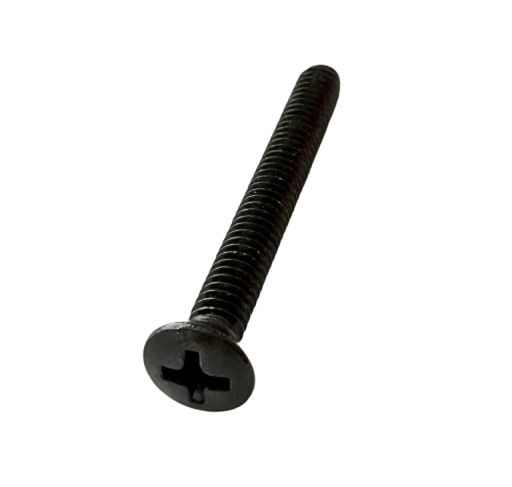
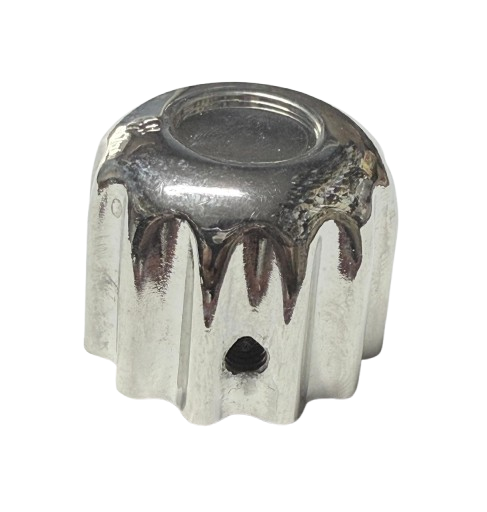
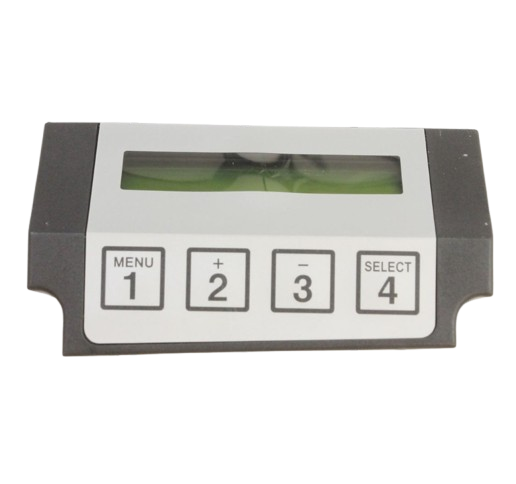
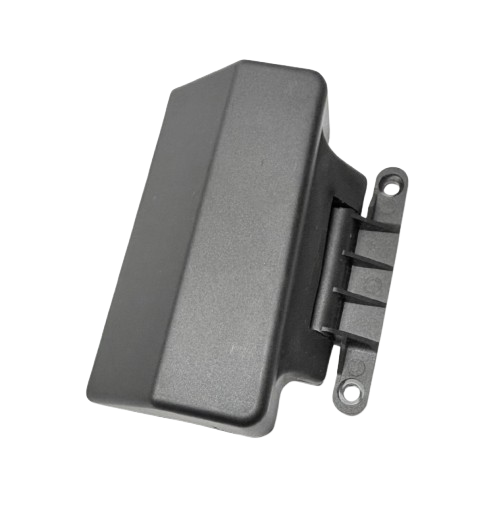
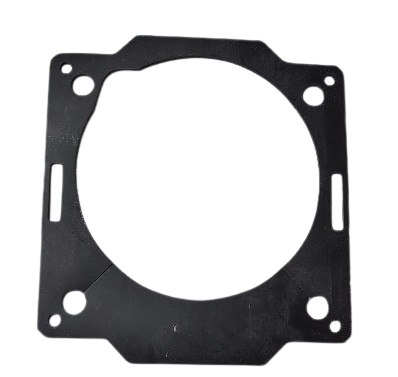
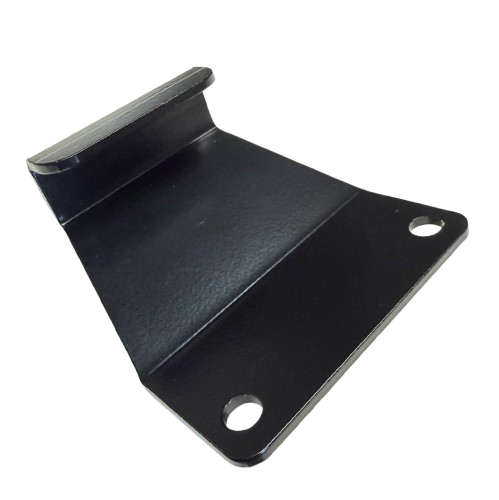
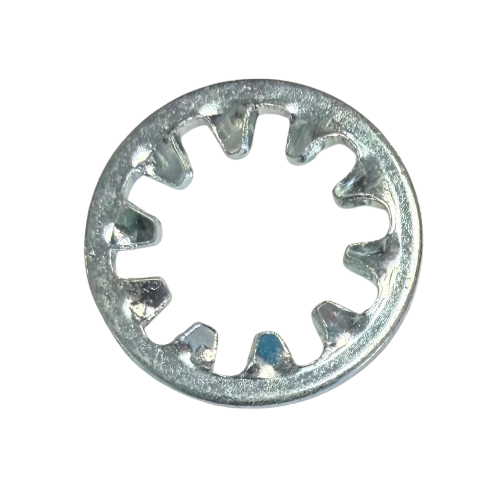
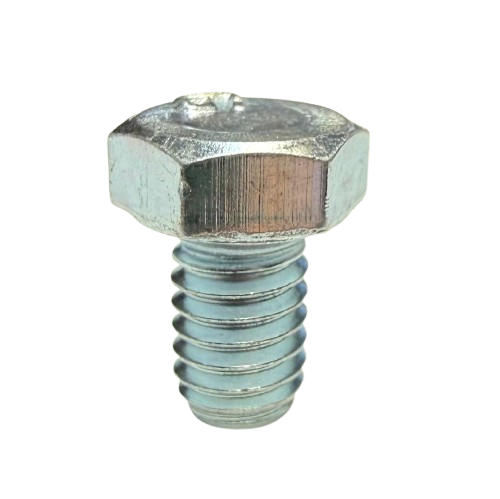
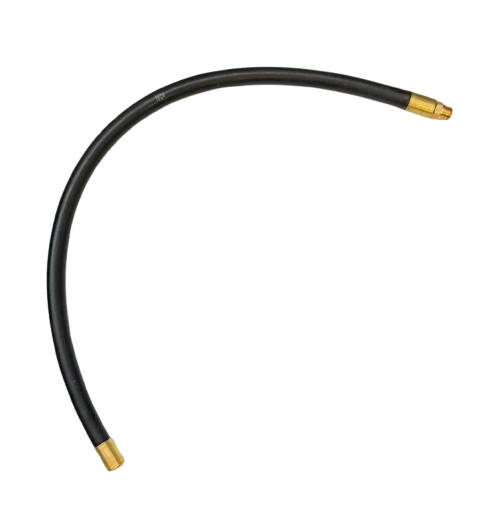
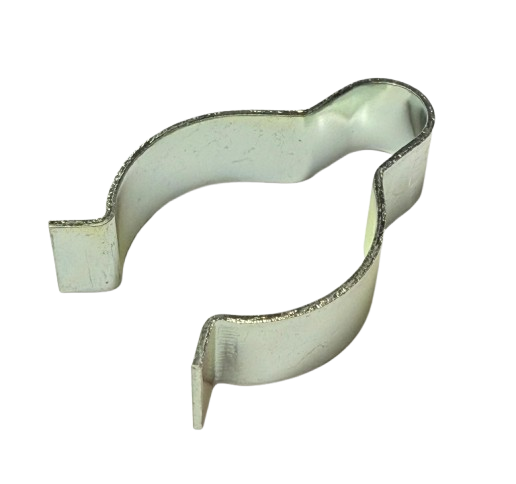
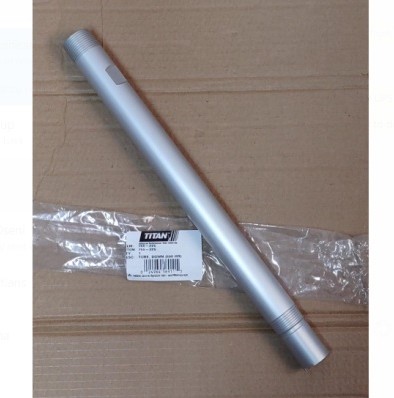
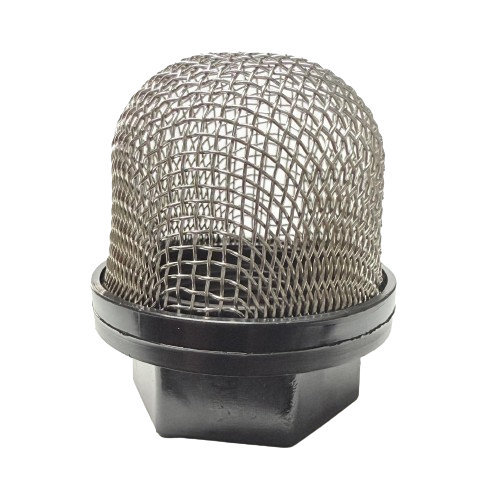
Titan 740ix Digital Main Assembly
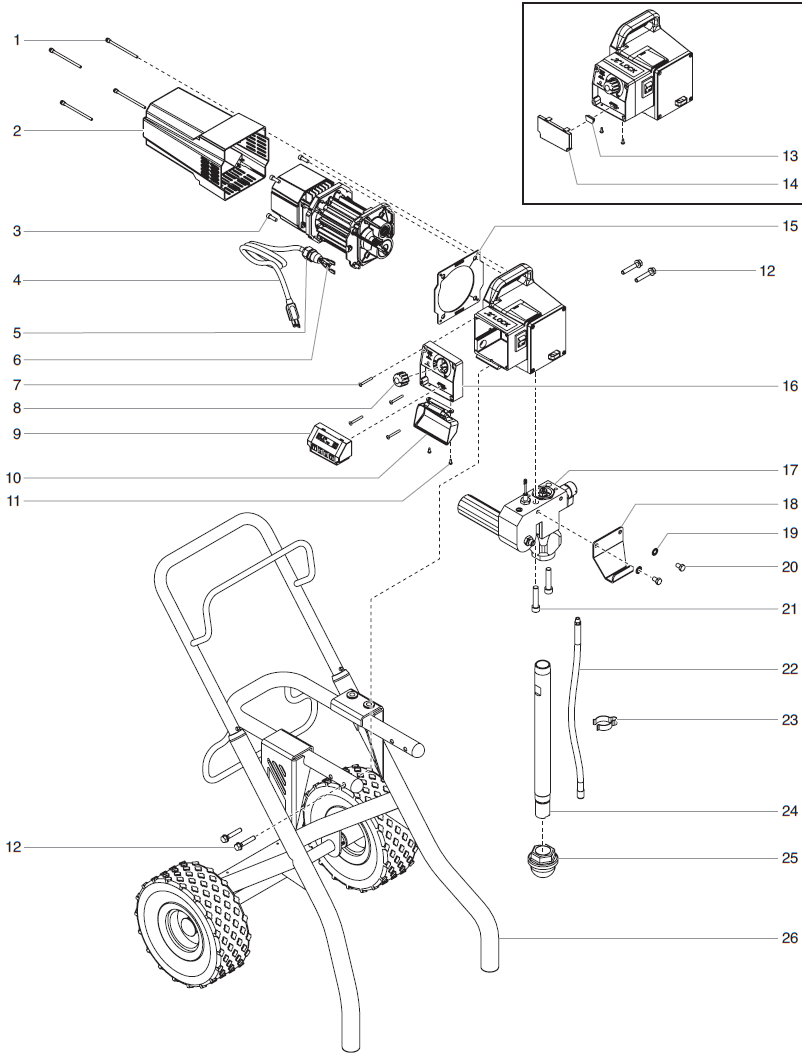
Shop Titan 740ix Digital Main Assembly replacement parts for maintenance and repair. Locate digital control components, mounting hardware, power connections, and fluid system items using the assembly diagram. Compare individual part numbers and product contents before selecting the replacements required for your sprayer.
Identify the Components Needed for Your Repair
Start with the affected area and locate the component in the assembly drawing. Match its position to the listed part number, then compare the description with the installed item. Inspect adjoining components so your order reflects the full repair requirement.
Digital Control Components
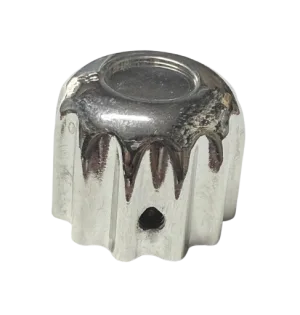
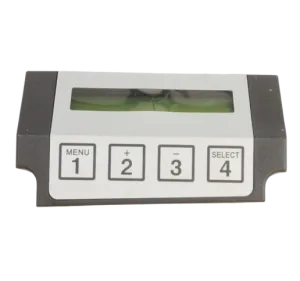
Distinguish the control assembly from its cover and adjustment components. Diagnose the operating issue before choosing a replacement and review what each listing supplies.
Power and Mounting Items
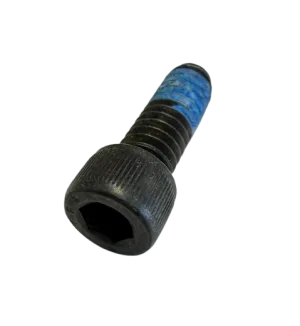
Match connections and hardware to the exact component reference. Check mounting locations, required quantities, and applicable specifications before preparing your purchase.
Fluid System Components
Compare complete assemblies with individual replacement items. Review supplied contents and identify any additional components required separately.
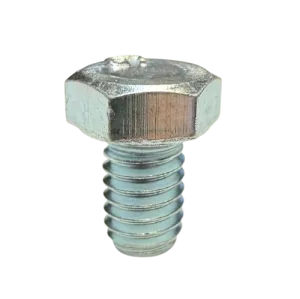
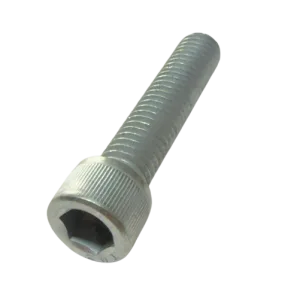
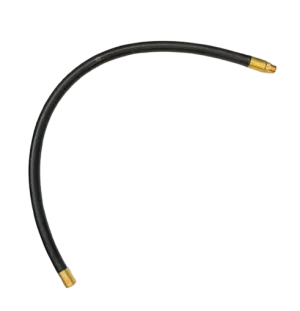
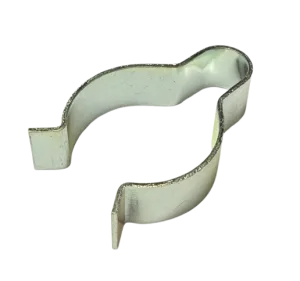
Selected Titan 740ix Digital Main Assembly Part Numbers
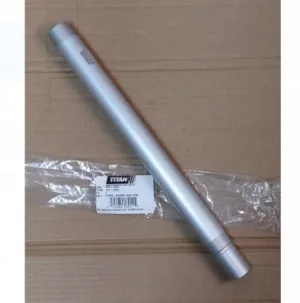
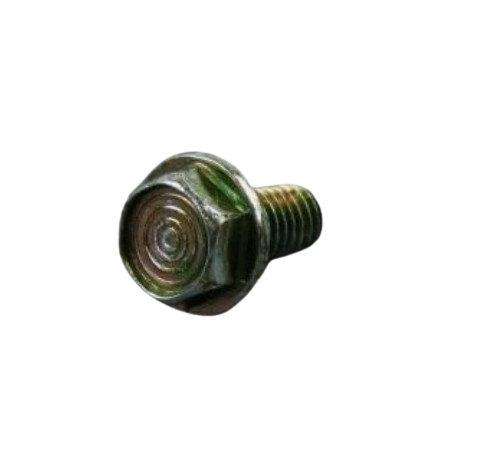
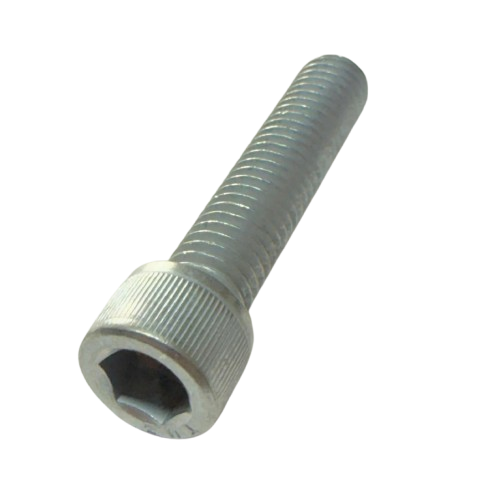
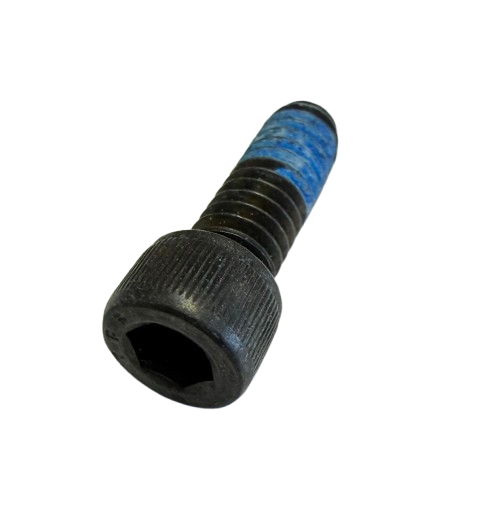
These examples highlight components in the category. Use the complete product selection and assembly diagram to locate additional references.
Ordering tip: Diagram positions identify locations in the illustration. Select replacements by their individual part numbers, preserving letter suffixes and checking package contents before purchasing.
Confirm the Digital Model and Installed Configuration
Check the complete equipment designation before selecting parts. Use the assembly references applicable to your Digital sprayer rather than assuming a similarly named model uses the same components.
Compare the installed arrangement with the diagram, particularly if the equipment has been repaired or modified previously. For electrical items, confirm the applicable specifications and connections before choosing a replacement.
Have your model, serial information, diagram position, and existing part number available when requesting assistance. Clear photographs can help identify the component and its mounting location.
Prepare Your Main Assembly Repair
Diagnose Before Ordering
Establish the cause of the operating issue before purchasing replacements. An unresponsive display or pressure problem does not, by itself, identify a failed component.
Review Contents and Quantities
Compare assembly contents with your repair requirements. Check which components are included and identify any hardware or adjoining items needed separately.
Follow Service Procedures
Use the applicable installation and reassembly instructions. Have electrical diagnosis and repairs performed by appropriately qualified service personnel.
Frequently Asked Questions
Does this category supply every listed component in one package?
This category presents separate replacement listings. Review the selected product description to confirm exactly what your purchase includes.
Is the digital control cover the same as the control assembly?
These are separate component listings. Match the item you need to its diagram position and part number before ordering.
Does the table show every item in this category?
The table highlights selected components. Refer to the complete product selection and diagram for additional references.
Should I replace the control assembly if the display stops responding?
Arrange appropriate diagnosis first. Confirm the cause through the applicable troubleshooting procedures before selecting an electrical replacement.
Find Your Titan 740ix Digital Main Assembly Parts
Match your component reference, review the product details, and prepare your repair order. Contact AllTitanParts for assistance identifying the correct item.
Call 713-931-0006 for Parts Assistance