



Titan 740ix Digital Low Rider Cart Assembly
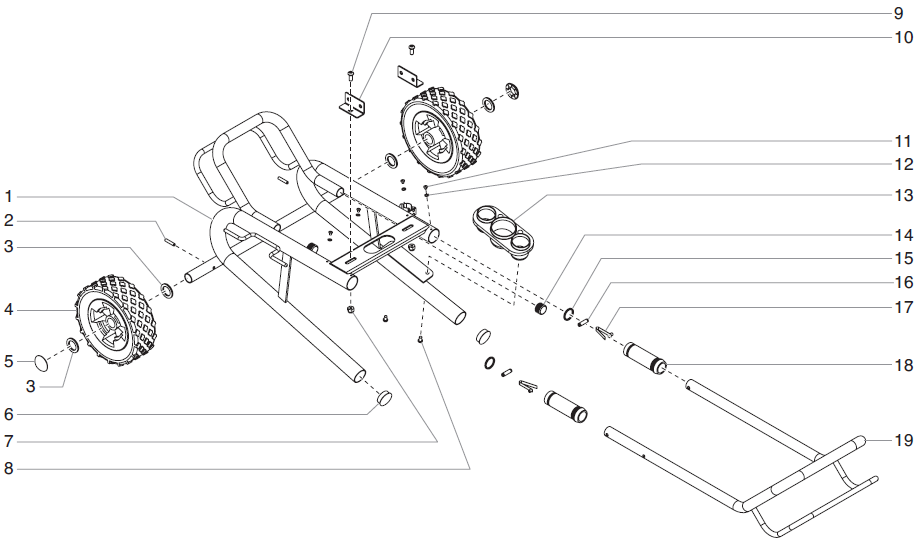
Shop replacement components for the Titan 740ix Digital Low Rider Cart Assembly (P/N 704-583). Locate wheel, handle, drip cup, and hardware items using the assembly diagram. Compare individual part references and product contents before selecting the components needed for your cart maintenance or repair.
Select the Components Your Cart Repair Requires
Inspect the affected area and compare the installed arrangement with the assembly illustration. Record damaged or missing items, check adjoining attachment points, and identify the applicable component numbers. This helps you prepare an order based on the actual condition of your cart.
Wheel Area Components
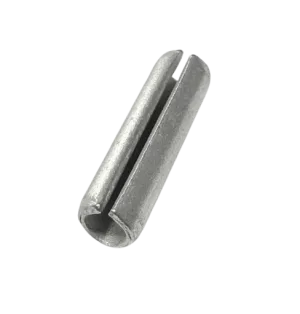
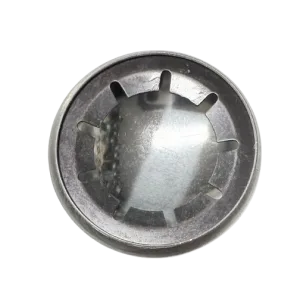
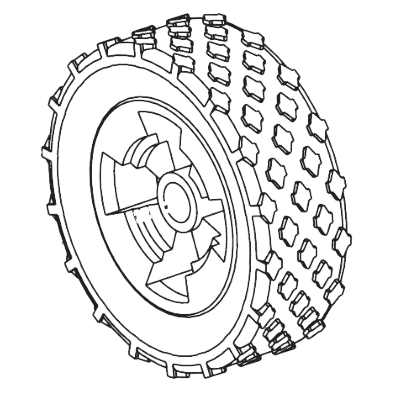
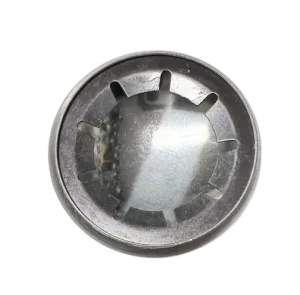
Inspect the wheel area and adjoining retaining items together. Identify the source of looseness or restricted movement before choosing replacements.
Handle and Retaining Items
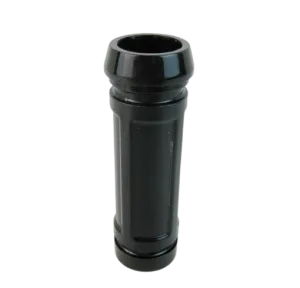
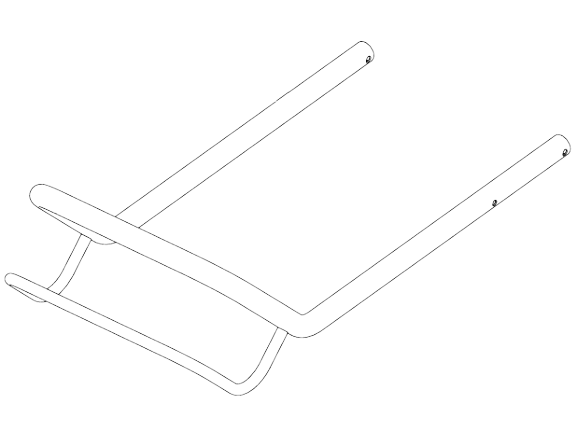
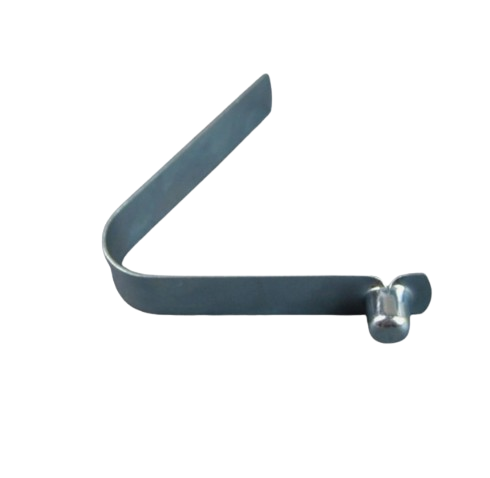
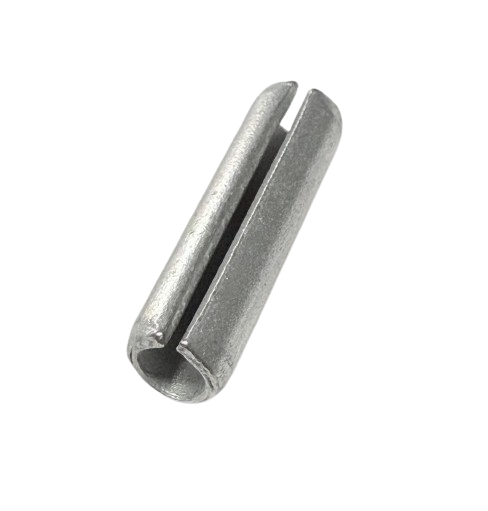
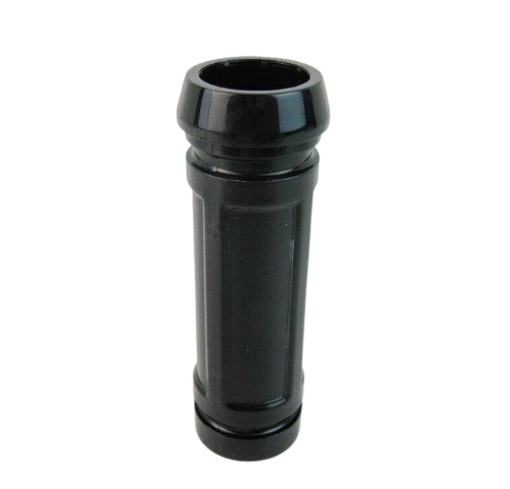
Compare the handle arrangement with the diagram. Distinguish individual components from larger assembly listings and review what each product supplies.
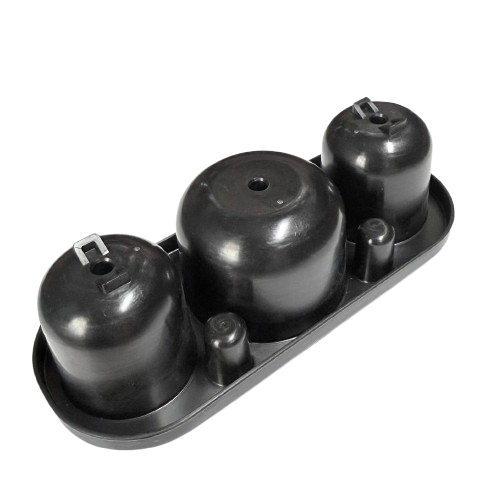
Drip Cup and Mounting Hardware
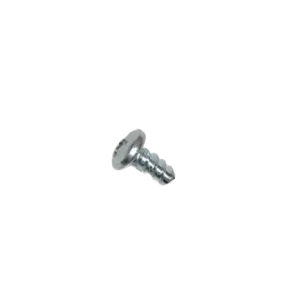
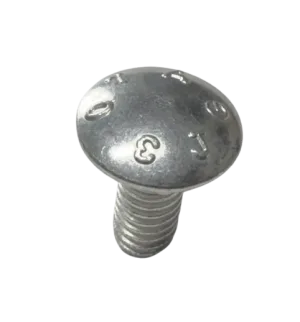
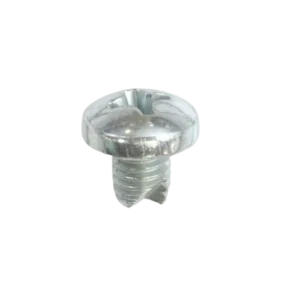
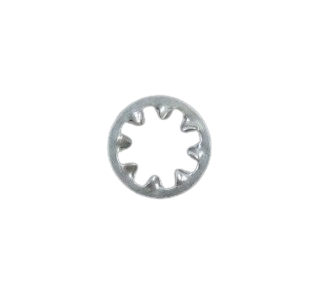
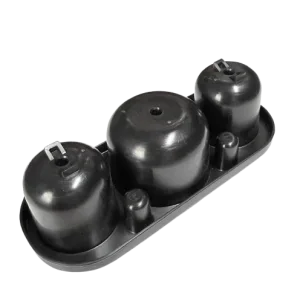
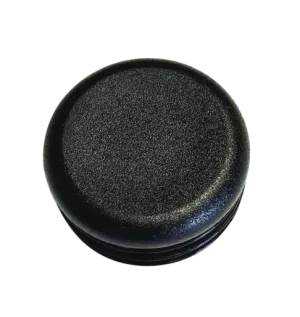
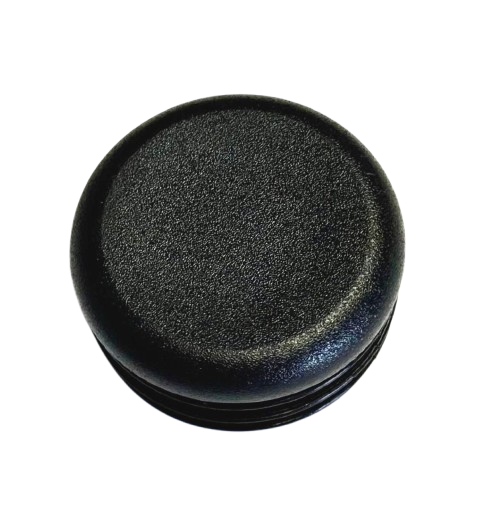
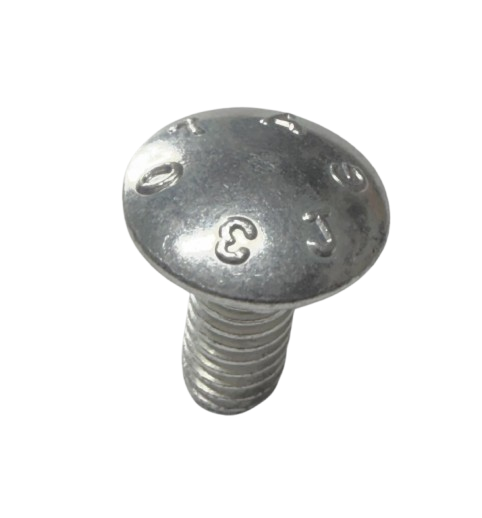
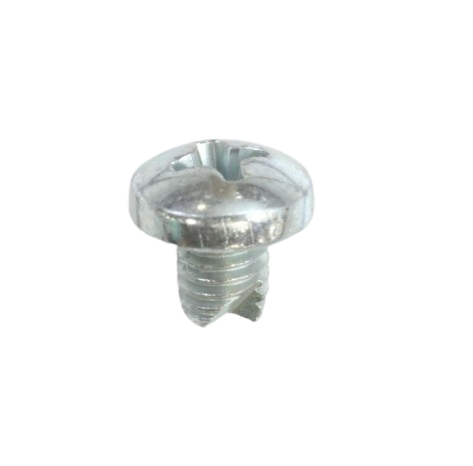
Check the cup and its attachment separately. Count the hardware required and confirm whether associated items must be purchased individually.
Titan 740ix Digital Low Rider Cart Part Numbers
Match these component references with the assembly diagram. Position numbers identify locations in the drawing and are not a consecutive inventory count.
Ordering tip: P/N 704-583 identifies the cart assembly covered by this category. Select replacements using individual component numbers, preserving leading zeros and checking quantities and listing contents.
Confirm Your Digital Low Rider Configuration
Check the complete sprayer designation and installed cart arrangement before purchasing. Use the relevant diagram, especially if the equipment has been repaired or modified previously.
Similar model names and component descriptions do not establish interchangeability. Match the exact part number and documented application rather than assuming another cart style uses the same item.
For identification assistance, have your model, serial information, assembly reference, and existing component number available. Photographs of the affected area can help clarify your request.
Prepare a Complete Cart Repair Order
Inspect Before Replacing
Identify the source of damage, looseness, or restricted movement. Check surrounding components before deciding which items require replacement.
Review Contents and Quantities
Count the pieces required and compare listing contents with your repair needs. Do not assume associated hardware is included with another item.
Follow Assembly Instructions
Use the applicable service procedures for placement and fastening. Check the repaired cart before returning the equipment to use.
Explore Related Titan 740ix Digital Assemblies
Browse the relevant category when your inspection identifies components outside the cart.
Frequently Asked Questions
Does every purchase include a complete cart?
This category presents separate replacement listings. Review the selected product description to confirm what your purchase includes.
Is a sleeve handle the same as the handle weldment?
These are separate component listings. Match the item you need to its diagram position and individual part number.
Is attachment hardware included with the drip cup?
Check the product description for supplied contents. Do not assume separately listed hardware is included with the cup.
Does uneven rolling mean the wheel spacer needs replacement?
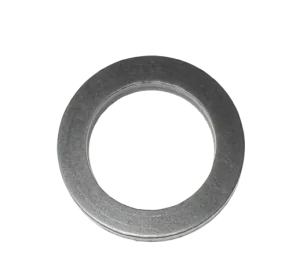
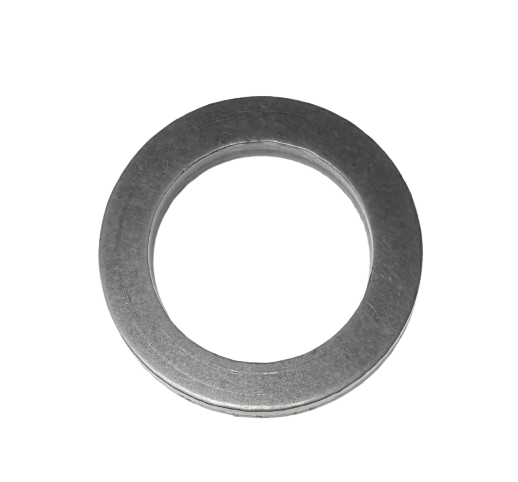
Inspect the complete wheel area first. Establish the cause before choosing a spacer, wheel, or other replacement component.
Find Your Titan 740ix Digital Low Rider Cart Parts
Match your component reference, review the product details, and prepare your repair order. Contact AllTitanParts for help confirming your selection.
Call 713-931-0006 for Parts Assistance