


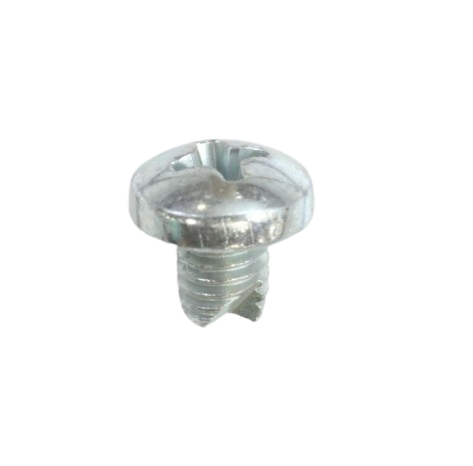

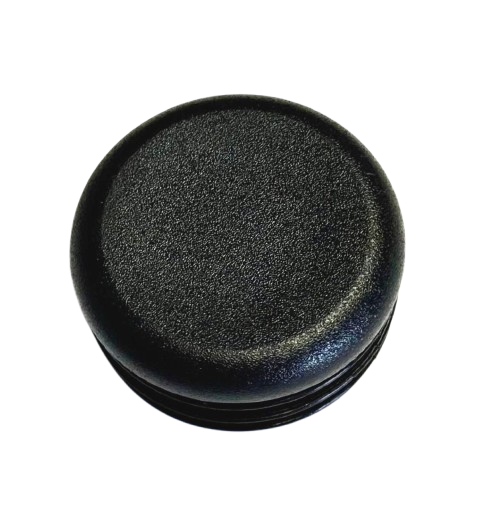
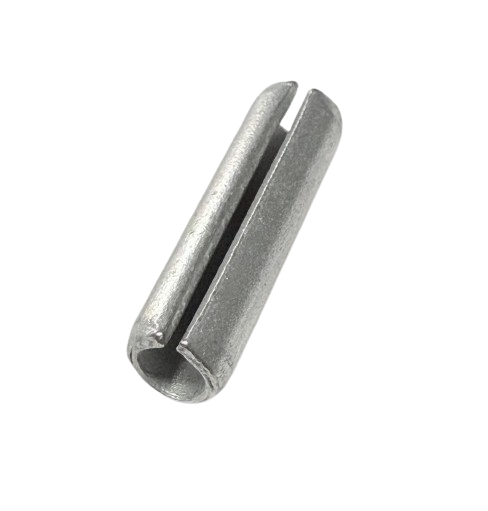
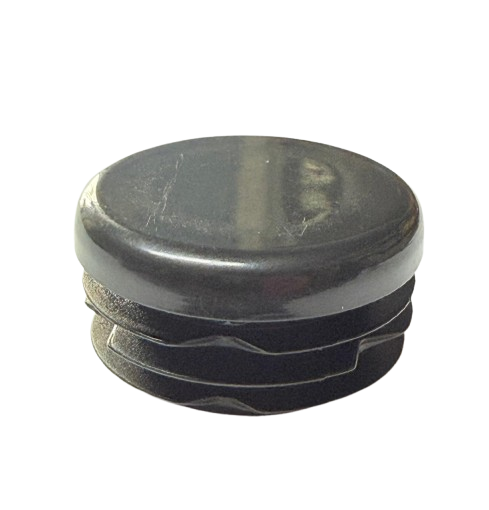
Titan 740ix Digital High Rider Cart
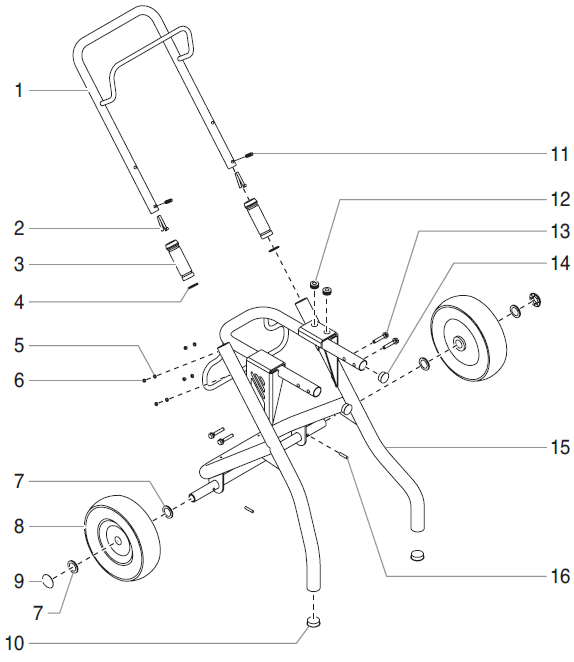
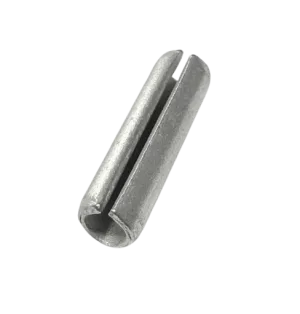
Shop replacement components for the Titan 740ix Digital High Rider Cart (P/N 704-415). Locate wheels, handle sleeves, retaining items, and mounting hardware using the assembly diagram. Match individual part numbers and review product contents before selecting the items required for your cart repair.
Identify the Components Needed for Your Cart Repair
Inspect the affected area and compare the installed arrangement with the assembly illustration. Identify damaged or missing items, check adjoining attachment points, and record the relevant component numbers. This helps you prepare an order that reflects the actual repair requirement.
Handle Area Components
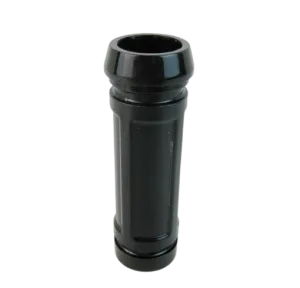
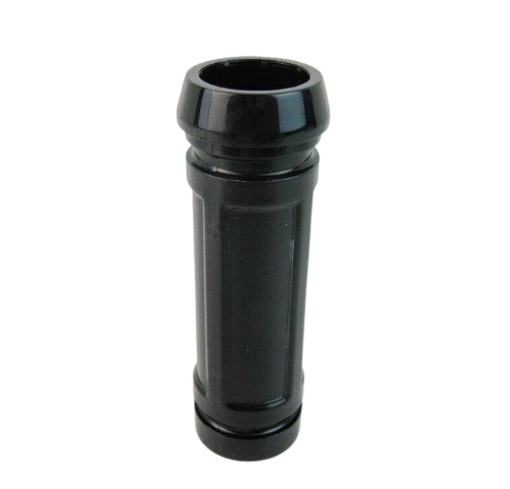
Compare the handle arrangement with the diagram. Review the product description carefully to distinguish an individual sleeve from a larger handle assembly.
Wheel Area Inspection
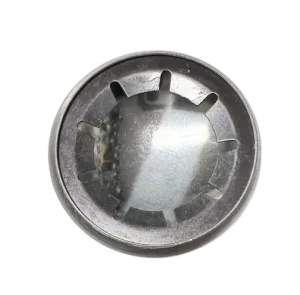
Inspect the wheel area and nearby retaining components together. Establish the cause of looseness or restricted movement before choosing replacement items.
Mounting and Retaining Hardware
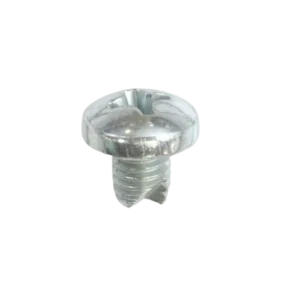
Match each item to its reference and mounting location. Count the pieces required and inspect attachment points before finalizing your purchase.
Titan 740ix Digital High Rider Cart Part Numbers
Use these listed component references alongside the assembly diagram. Position numbers identify locations in the drawing and are not a consecutive inventory count.
Ordering tip: P/N 704-415 identifies the cart assembly covered by this category. Select replacements using their individual component numbers, preserving leading zeros and checking quantities and package contents.
Confirm Your Digital High Rider Cart Configuration
Check the complete equipment designation and installed cart style before purchasing. Use the diagram applicable to your Digital High Rider arrangement, particularly if the sprayer has been repaired or modified previously.
Similar model names and component descriptions do not establish interchangeability. Match the exact part reference and documented application before selecting an alternative.
For identification assistance, have your model, serial information, assembly reference, and existing part number available. Photographs of the affected component and its location can help clarify your request.
Prepare Your Cart Repair Order
Inspect the Affected Area
Identify where damage, looseness, or restricted movement occurs. Inspect surrounding components before deciding which items need replacement.
Check Product Contents
Review each listing and count the components required. Do not assume associated hardware is included with another replacement item.
Follow Assembly Instructions
Use the applicable service procedures for placement and fastening. Check the repaired cart before returning the equipment to use.
Browse the Digital Main Assembly
If your inspection identifies components outside the cart, use the Digital Main Assembly category to locate the relevant replacement references.
Titan 740ix Digital Main Assembly PartsFrequently Asked Questions
Does this category supply a complete cart with every purchase?
This category presents separate replacement listings. Review the selected product description to confirm exactly what your purchase includes.
Is a sleeve handle the same as a complete handle assembly?
Treat these as different descriptions. Check the product details and diagram reference to confirm the component supplied.
Are the two plug references interchangeable?
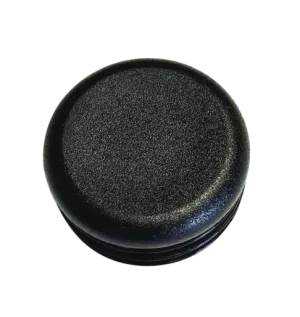
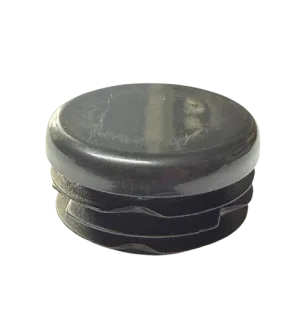
Use the diagram position and exact part number to identify the required item. A shared component name does not establish interchangeability.
Does uneven rolling mean the wheel needs replacement?
Inspect the complete wheel area and adjoining components first. Identify the cause before selecting a replacement.
Find Your Titan 740ix Digital High Rider Cart Parts
Match your component to the diagram, review the product details, and prepare your repair order. Contact AllTitanParts for help confirming your selection.
Call 713-931-0006 for Parts Assistance