
On an ED655 or ED655 Plus, no prime usually means an empty hopper, a clogged hopper filter, or a stuck inlet or outlet valve. Low pressure points to a worn inlet or outlet valve ball or seat, or paint packed between ball and seat. Clean the hopper filter and the valves first, replace anything worn, and send diaphragm problems to a Titan service center.
A diaphragm pump is different
The ED655 and ED655 Plus are airless diaphragm pumps. The parts that matter are the pump head, the diaphragm and its ring, and the inlet and outlet valves. There is no piston rod and no packing stack to replace, so advice written for piston sprayers, such as tightening packings or checking a scored rod, does not apply here. What fails on this pump is usually a valve that is dirty or worn, or a filter that is blocked.
Two versions share the name and their parts are not interchangeable. The ED655 Plus and the original ED655 have different pump layouts and different part numbers on the site. Work out which one you own before you order anything. This guide follows the order Titan's manual uses for troubleshooting, and for every procedure it points you back to the manual for your model on our manuals page.
ED655 symptoms, what the manual points to, and the first check
| Symptom | Causes the manual lists | Check first |
|---|---|---|
| Will not prime | Empty hopper, clogged hopper filter, stuck inlet valve, stuck outlet valve | Fill the hopper, clean the hopper filter, then clean both valves |
| Lost pressure | Worn inlet or outlet valve ball or seat, paint built up between ball and seat | Clean the valves, replace what is worn, inspect the spray tip |
| Pressure still wrong after valve work | Low or empty hydraulic oil is a listed fault; diaphragm problems | Do not open the diaphragm side yourself: see the service center note below |
Titan's manual is the authority for each procedure. Relieve pressure with the pressure relief procedure in your manual before cleaning or removing any valve.
Pump will not prime or has lost prime
The manual lists four causes: an empty hopper, a clogged hopper filter, a stuck inlet valve and a stuck outlet valve. They are in order of cost, so work down the list. Look in the hopper first. Then look at the hopper filter, because a screen coated with partly dried paint will starve the pump of material while the motor runs normally.
If both are fine, the fix in the manual is to clean the inlet valve and the outlet valve and replace worn parts. A valve that sticks shut is often dried coating, and cleaning it costs nothing but time. Only buy a part once a cleaned valve still fails, or once you can see wear on the ball or its seat.
Low pressure
The manual's causes for low pressure are a worn inlet or outlet valve ball or seat, or paint built up between the ball and seat. Cleaning solves the second cause and replacement solves the first. Before you pull any valve, rule out the cheap, common causes that apply to every airless sprayer: a worn tip, which has a wider orifice and drops the pressure, and a gun filter that is partly blocked. A worn tip also gives a coarse, streaky pattern, which helps you tell it apart from a valve fault.
Hopper screen and gun filter
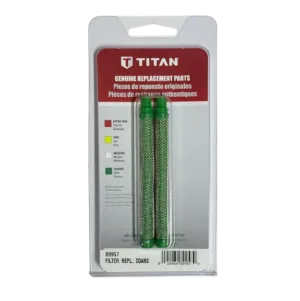
Titan's manual says to clean the hopper filter with a soft brush. A hard brush or a pick can damage the mesh. The ED655 Plus hopper page lists two screens, the 0089917 filter screen and the 0088871 coarse filter screen, which is the one to look at if you spray thicker coatings. The gun end has its own filters: 0089957 is the coarse green filter in a 2-pack and 0089960 is the extra fine red filter. Partly blocked filters cause pressure loss, pulsing and spitting, so they are worth a look any time the pressure falls.
Storing the pump between work days
The manual's routine for storing the pump between work days is to clean the pump, fill the inlet valve with light household oil, then turn the PRIME/SPRAY valve to SPRAY so the oil spreads through the valve. A valve left with dried paint in it is the most common cause of the no-prime problem above, so the few minutes this takes tends to pay back the next morning. Follow your manual's wording for the exact order.
Hydraulic oil and the diaphragm
Low or empty hydraulic oil is one of the faults the manual lists, and diaphragm problems are to go to a Titan authorized service center. This guide does not describe diaphragm replacement. If your symptoms survive clean, working valves, that is the point to stop and call. The site does list the 0278240 diaphragm assembly and the 0270494 diaphragm ring for the Plus, and the 0288771 diaphragm assembly for the original pump. Confirm the part with our parts team before you buy.
Parts for valve problems
Look at the diagram that matches your pump. The ED655 Plus pump head page is for the Plus. The ED655 paint pump page is for the original ED655.
ED655 Plus valve parts
Original ED655 valve parts
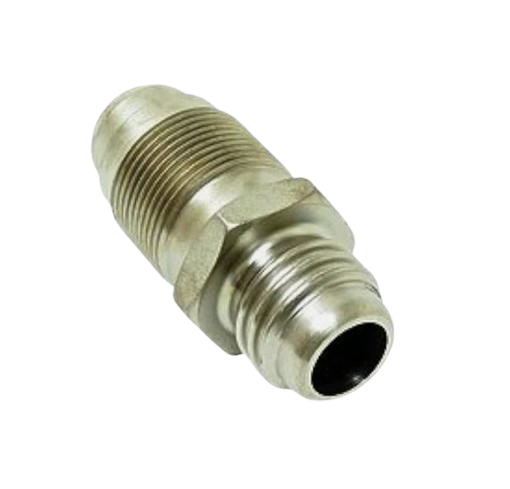
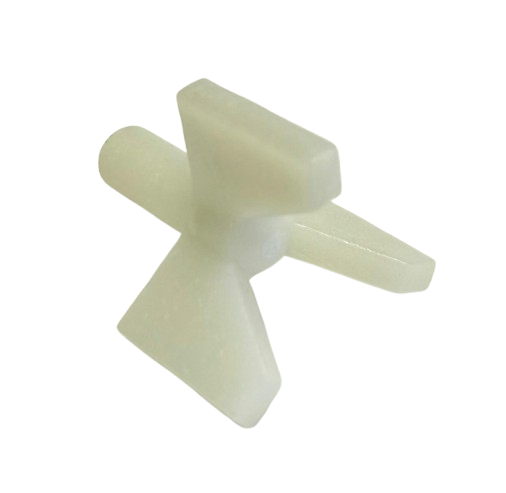
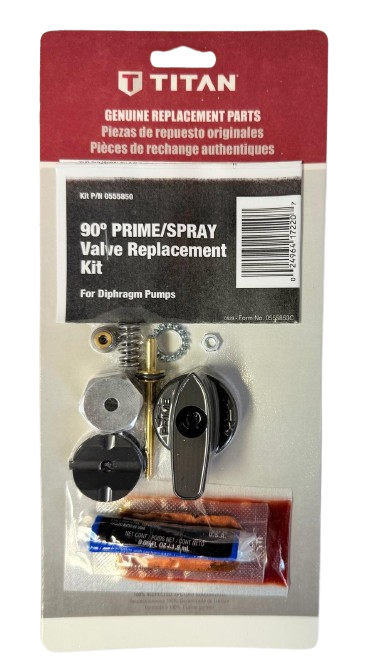
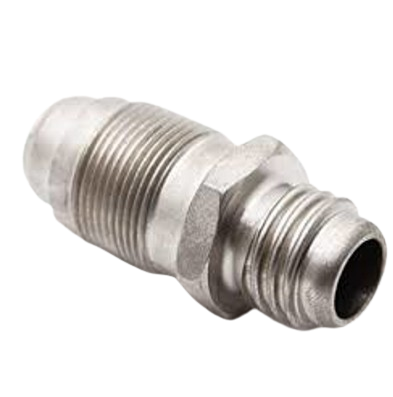
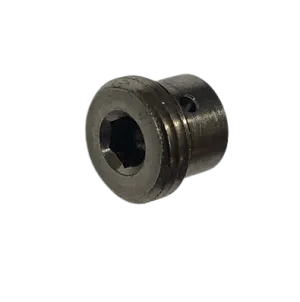
ED655 valve, filter and diaphragm parts:

The Short Version
Fill the hopper, clean the hopper filter, then clean the inlet and outlet valves. Replace a ball or seat only when cleaning does not cure it. If the problem continues with clean, working valves, hydraulic oil or the diaphragm is next, and that goes to a Titan authorized service center.
Not sure which ED655 you have?
Call (713) 931-0006 with your model and serial number and our parts team will confirm which valve parts fit before you order.
(713) 931-0006Order by Parts Diagram