
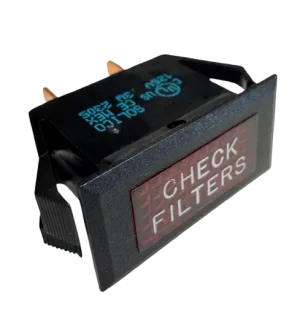
CapSpray filters sit on each side of the turbine under the filter covers. Unplug the unit, turn the covers counterclockwise, take out the pre-filter and filter on each side, and tap or blow them clean with compressed air. A red front-panel light comes on when air flow drops. Clogged filters make the turbine run hot and can damage it.
Why the filters matter more than anything else on the turbine
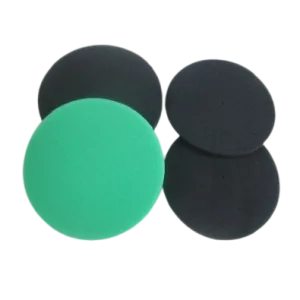
A CapSpray turbine moves air on two paths: the air that atomizes the coating, and the air that cools the motor. Titan fits a filter on both. Its feature list names a high-performance automotive-type air filter that keeps the atomizing air clean for a consistent fan pattern, plus a pre-filter on the atomizing-air side and another on the cooling-air side.
The owner's manuals are blunt about what happens when those filters clog: the turbine runs with excessive heat and can be damaged. Titan's own blog says the same thing from the other direction. The turbine needs very little upkeep beyond keeping the filters at each end free of dust and debris, before and after use, plus regular cleaning of the hose and gun. That makes the filters the first thing to check when the sprayer behaves differently.
Where the filters are
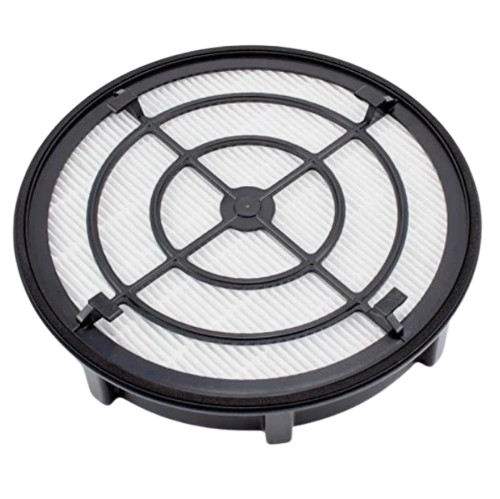
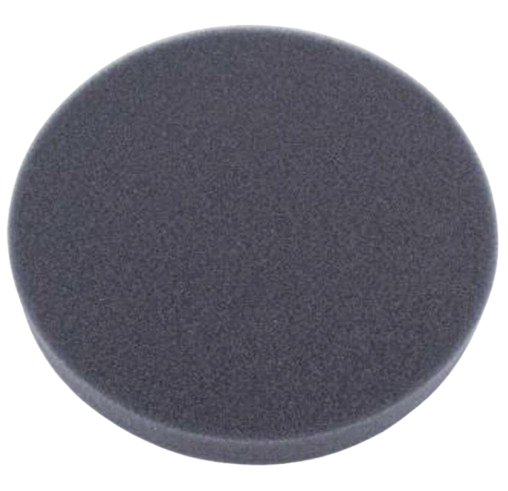
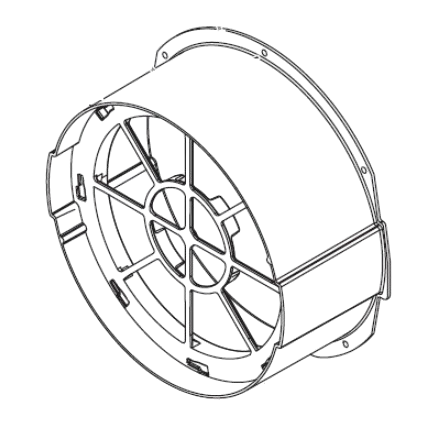
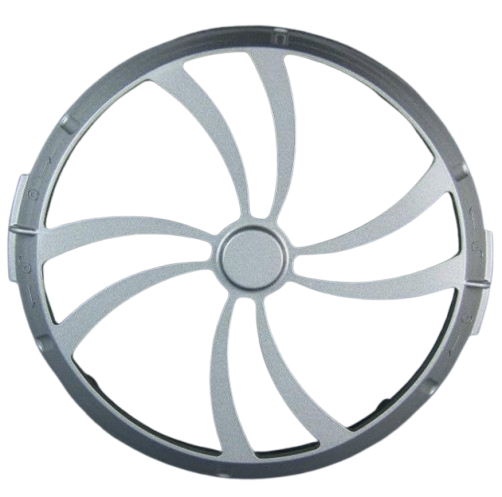
There is one filter set at each end of the turbine, each behind a filter cover. Behind the cover on each side are the pre-filter and the filter. On the diagram pages the covers and cans are listed as the filter cover and the filter can, next to the filter parts themselves.
To see how the pieces stack up, open the Main Assembly diagram for your model: the CapSpray 95 Main Assembly, the CapSpray 115 Main Assembly or the CapSpray 75 Main Assembly. The numbered callouts show the can, the cover, the pre-filter kit and the filters.
Cleaning the filters, as the manuals describe it
Unplug the turbine
Pull the plug before you touch the filter covers. Never open them with the turbine running.
Remove the filter covers
Turn each cover counterclockwise to take it off. Do both sides, because both filter sets collect dirt.
Take out the pre-filter and the filter on each side
Lift out the pre-filter and the filter and set them aside so you can see what has collected.
Tap or blow them clean
Tap the filters to knock the dust loose, or blow them out with compressed air, as the manuals say.
Refit the filters and covers
Put everything back the way it came out and turn the covers back on before you plug in again.
The manuals describe tapping or blowing the filters out. They do not describe washing, so stick to those two methods and check the manual for your exact model. If a filter is torn, crushed or will not come clean, replace it instead of cleaning it again.
When the red light comes on
The warning light is on the front panel and works with an air flow switch inside the turbine, so it reacts to air flow, not to dirt as such: when the flow drops, the light comes on. In the manuals that means clean or change the filters. Titan's feature list says the light is there to extend the life of your turbine and maintain maximum performance.
The light does not shut the turbine down. The turbine keeps running while the light is lit, which is why it is worth reacting to straight away. Stop, unplug it and go through the cleaning steps above before you carry on with the finish.
If the light stays on after both filter sets are clean, the next suspects are the 0277472 Air Flow Switch and the 0524547 Warning Light Assembly 120v. Both are listed on the Upper Housing diagram for your model. For weak air at the gun, the manuals name two causes: the air knob on the gun turned off, or clogged filters. Check the knob before you order anything.
Replacement filter parts and how to read the names
CapSpray filter parts on the site
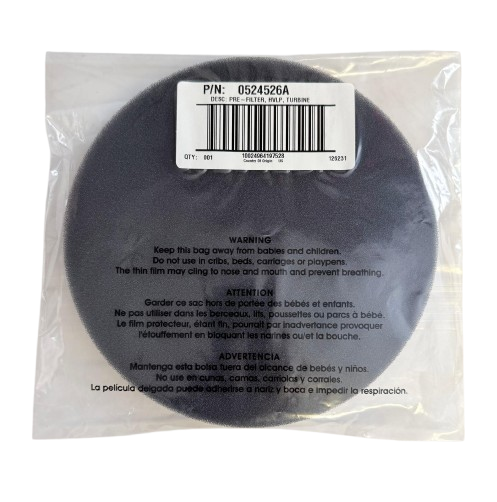
The filter pages differ by model, so do not order from memory. The 75 diagram lists the 0524528A in a different callout position than the 95, 105 and 115 pages do, and it carries its own 0275793 kit. On the X 95, X 105 and X 115 Main Assembly pages, the filter can is listed as 0276136A and the filter cover as 2441512A, not the classic 0524948A and 0524949A. Nothing we have says whether X-series filter parts interchange with the classic ones, so open the X 115 Main Assembly page, or the page for your own X model, and order from it.
How often to clean or replace
Titan does not publish a replacement interval for the filters, so we do not give one. What the manufacturer does say is to keep the filters free of dust and debris before and after use, and to clean or change them when the red light comes on. A routine follows from that: look at both sets at the start of a job, clean them at the end, and replace one when it is damaged or will not come clean. Your model's manual is the document to follow for anything beyond that, and it is on our manuals page.
Filter and warning-light parts for the CapSpray turbine:

The Short Version
Unplug, turn the covers counterclockwise, pull the pre-filter and filter on each side and tap or blow them out. Answer the red light by cleaning, not by carrying on, because clogged filters overheat the turbine. When a filter needs replacing, take the part number from your model's Main Assembly page, not from the part name alone.
Not sure which filter part fits your CapSpray?
Call (713) 931-0006 with your model and our parts team will confirm the part before you order.
(713) 931-0006Order by Parts Diagram